Why doesn't your WordPress site show all AI crawler visits behind a CDN or cache? An SEO audit view
What we check when a client's WordPress site behind a CDN or page cache reports too few AI crawler visits, and how the same log lesson applies to Googlebot and SEO.
It comes up often in technical audits of WordPress sites with Cloudflare or a managed host in front of them. The client has a plugin that logs bots, the plugin shows a handful of GPTBot and ClaudeBot visits a day, and someone has concluded that AI engines aren't interested in the site. Usually the engines are interested. The plugin just isn't standing where the visits happen.
Follow one request
Say OAI-SearchBot asks for your pricing page. The request reaches the CDN first. If the CDN has a fresh copy of that page in cache, it sends the copy back and the conversation is over. Your server never hears about it, WordPress never boots, and the plugin has nothing to record.
If the copy is stale or missing, the CDN forwards the request to your host. Many managed WordPress hosts run their own page cache too, and depending on how it's configured, that cache can answer before any plugin code runs. Only when both caches miss does WordPress actually build the page, and only then does a plugin get its chance to log the bot.
So the plugin's number is the count of cache misses, not the count of visits. On a well-cached site, those can be very different numbers.
The firewall makes it worse
There's a second way to lose visits, and this one costs you visibility as well as data. CDN bot protection can challenge AI crawlers before they reach anything. OpenAI's help article on ChatGPT search asks site owners to confirm that their host or CDN allows OpenAI's published searchbot IP addresses. Google's "AI features and your website" page lists the same idea among its practices: make sure crawling is allowed in robots.txt "and by any CDN or hosting infrastructure".
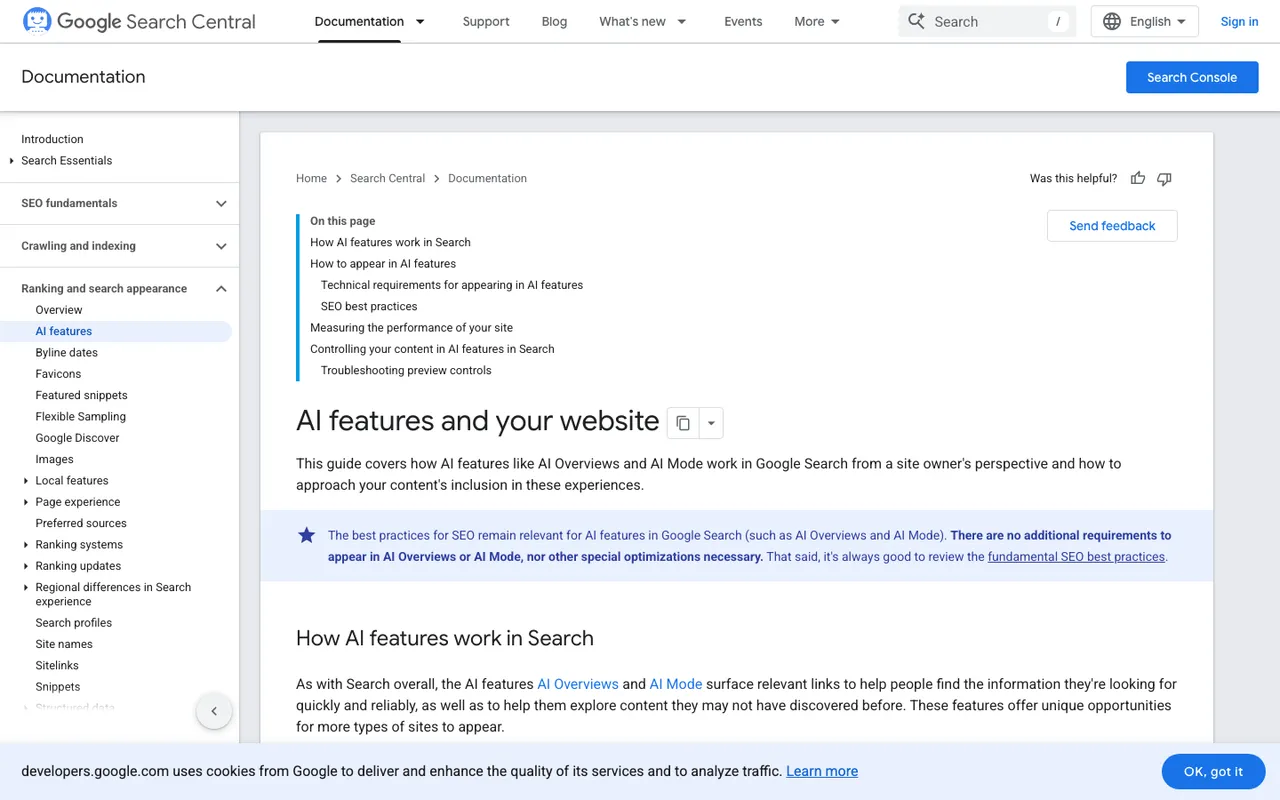
Google Search Central, "AI features and your website", captured November 21, 2026.
When we do find a blocked bot, it tends to be a security setting nobody connected to AI search, not a decision anyone remembers making.
This isn't new to SEO people
Anyone who has done Googlebot log analysis on a site behind a CDN knows the drill: origin logs undercount, edge logs are the record. AI crawlers simply raise the stakes, because there are more of them with different jobs. Google's own crawler list is a good reminder of the nuance. Googlebot governs Search, including AI Overviews and AI Mode. Google-Extended has no separate user agent at all; it's a robots.txt token for Gemini training and grounding, so you'll never find it in a log, edge or origin. GoogleOther's rules don't affect any specific product.
Search Console, for its part, folds AI feature appearances into the overall Performance report under the "Web" search type. That tells you about impressions and clicks. It tells you nothing about crawling, which is why logs still matter.
How we set it up for clients
We run client crawler monitoring on Promptwatch, and the first decision is always the log source. For a WordPress site with no CDN, the Promptwatch WordPress plugin is fine, and it handles visitor analytics and publishing from the same install. For anything behind a CDN, we connect the CDN instead. Promptwatch takes Cloudflare logs through Logpush or an auto-deployed Worker, and has guides for CloudFront, Fastly, Akamai, Google Cloud CDN and the Vercel and Netlify log drains. Since October 6, Cloudflare Logpush is the default crawler log setup it offers for WP Engine and Kinsta sites, which matches what we'd recommend anyway.
Two practical notes from doing this a lot. First, check that every hostname is actually proxied, because a DNS-only record means the CDN never sees that traffic. Second, history doesn't backfill. Promptwatch's own guide says logs from before setup can't be imported, so the sooner you connect, the sooner you have a baseline.
What we read in the first week
We start with status codes. 403s and 429s for AI bots usually point to the firewall. Then we compare providers: if OpenAI's bots appear and Perplexity's never do, that's an access question, not a content question. Only after that do we look at which crawled pages get cited, using the crawl-to-citation path and citation rate per page in Promptwatch's Agent Analytics. A page that gets crawled constantly and never cited is a content brief waiting to be written, which is where the SEO and GEO work meet again.
Crawler logs start on Promptwatch's Professional plan at $245 a month. If you'd like a quick first signal before setting anything up, run the free AI Visibility Report from Promptwatch. It includes a crawler access check, and it's the same first look we take before an audit.