The affordable AI visibility tool with AI crawler logs we put clients on
Log-file analysis was always part of technical SEO. How we extend it to AI crawlers for clients, what Google and OpenAI document, and the affordable tool we run it on.
Log-file analysis has been part of our technical SEO audits for as long as we've done them. We pull server logs, filter for Googlebot, and look for the pages it hits too often, the pages it never reaches, and the errors it keeps running into. The same exercise now has a second set of bots in it, and for many clients those bots decide whether ChatGPT or Perplexity ever mentions them.
The question we get from clients is practical: what's the cheapest way to see AI crawler activity without stitching together three tools? This is how we answer it.
Start with Google's own crawler rules
Clients often assume AI Overviews has its own crawler. It doesn't. Google's Search Central documentation says crawl rules for Googlebot affect Google Search, "including Discover and all Google Search features". Its page "AI features and your website" adds that robots.txt for Googlebot is the control for Search crawling, and that a page only needs to be indexed and eligible for a snippet to show as a supporting link in AI Overviews or AI Mode.
Google-Extended is the one people confuse. It's a robots.txt token, not a separate crawler, and Google says it controls whether content may be used to train Gemini models and for grounding in Gemini Apps and Vertex AI. It "does not impact a site's inclusion in Google Search nor is it used as a ranking signal". Blocking it won't take you out of AI Overviews.
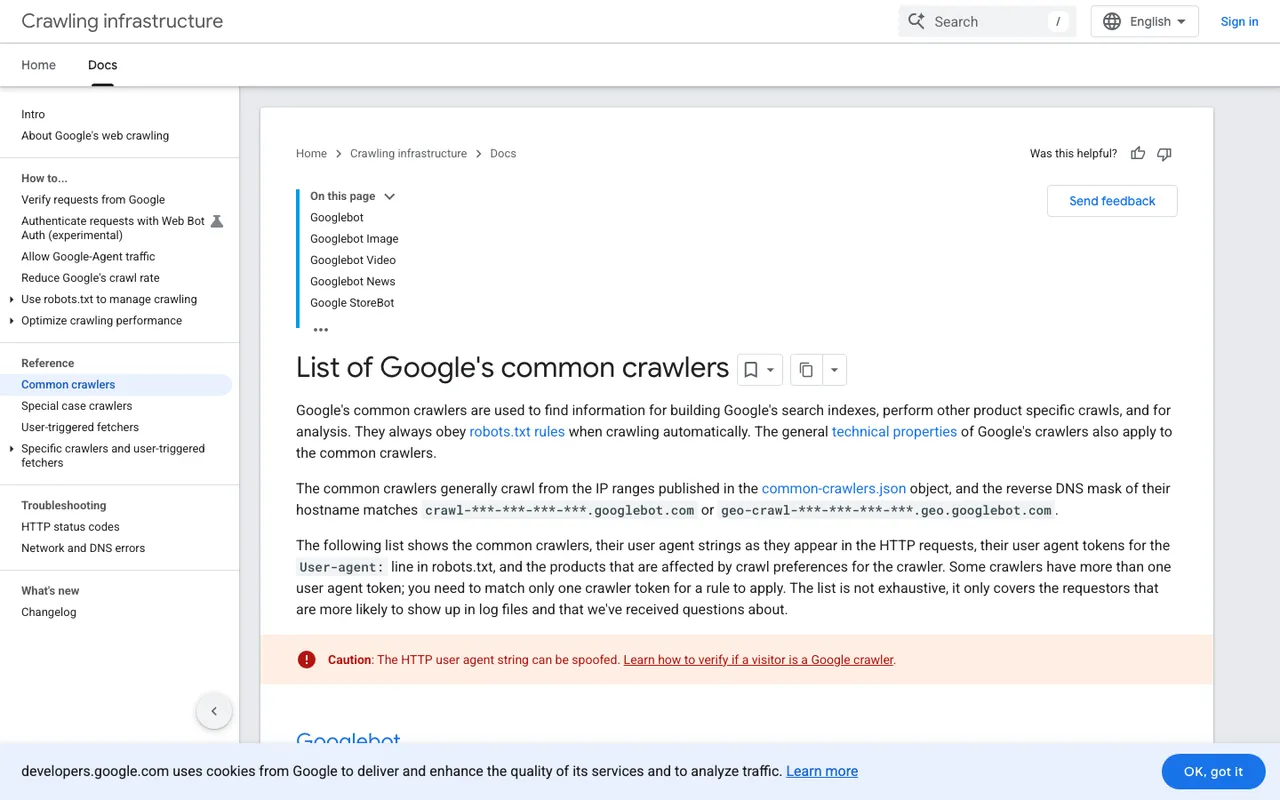
Google Crawling Infrastructure, "List of Google's common crawlers", captured November 21, 2026.
So for Google, your classic SEO log work already covers AI Overviews. For everyone else, you need a separate view.
The AI bots we check for every client
OpenAI documents three that matter for ChatGPT. OAI-SearchBot surfaces sites in ChatGPT search, and sites opted out of it won't be shown in ChatGPT search answers. GPTBot crawls content that may be used for training. ChatGPT-User visits a page when someone asks ChatGPT a question, and OpenAI says robots.txt rules may not apply to it because a person triggered the visit. Anthropic runs ClaudeBot, Claude-User and Claude-SearchBot. Perplexity runs PerplexityBot and Perplexity-User. Meta runs Meta-WebIndexer, which it says helps it cite and link content in Meta AI responses.
The pattern we look for is the same as with Googlebot. Is the bot reaching the pages that matter? Is it getting 200s, or is a firewall rule returning 403s? Is it wasting requests on parameter URLs while skipping the pricing page?
What "affordable" means in practice
A client can see some of this for free. Cloudflare's AI Crawl Control dashboard comes with every Cloudflare plan, and there are free crawler-analytics tiers elsewhere. Those tools show bot hits. They don't show whether a hit turned into a citation, and they don't run prompts, so you can't connect a crawl to an answer.
We run client programs on Promptwatch because it puts both halves in one place. Crawler logs start on the Professional plan at $245 a month, which also covers 150 tracked prompts and visitor analytics. Essential, at $95, doesn't include logs, so check the plan before you assume. For our agency work, the Kick-off plan at $199 a month includes 10M crawler logs across unlimited client projects.
What makes those logs worth paying for, compared with the free options:
- Every request is checked against the bot operator's published IP ranges, so a scraper using GPTBot's name doesn't show up as OpenAI.
- A crawl-to-citation path gives each page a citation rate. That tells us whether a page has an access problem or a content problem.
- Errors come with explanations, and a Host column warns when logs arrive from hostnames that aren't the client's site.
- Site audits run weekly, and the Search Insights view sits Google Search Console and Bing Webmaster data next to AI crawls and citations, which is how we tie the AI work back to classic SEO reporting.
How setup usually goes
For sites behind Cloudflare, Promptwatch reads logs through Logpush or an auto-deployed Worker. Other supported sources include AWS CloudFront, Fastly, Vercel or Netlify log drains, or Akamai. WordPress sites can use the official plugin, which also captures visitor analytics. HubSpot-hosted sites need a Cloudflare zone in front first, and Promptwatch has a guide for that.
Where we'd start
Run Promptwatch Professional on the 7-day free trial, connect the log source on day one, and check three things before the week ends: whether OAI-SearchBot reaches your key commercial pages, whether any AI bot is getting error codes, and which crawled pages have a citation rate of zero. That list makes a good first work queue.