How do I know if AI crawlers are visiting my website and what they're reading? An SEO agency's log-file method
Log-file analysis has been an SEO staple for years. How we extend it to AI crawlers for clients, where Google and Bing data fit in, and the platform we use for the rest.
Long before anyone asked about GPTBot, log-file analysis was how a technical SEO found out what Googlebot actually did on a site, as opposed to what the sitemap hoped it would do. The method carries over almost unchanged to AI crawlers. What changes is the cast list, and the fact that half of the AI systems you care about never announce themselves under a separate name.
Here is how we approach it for clients who want to know whether AI crawlers visit their site and what they read.
Start with Google, because it hides the most
Clients often assume they'll see a "Gemini bot" or an "AI Overviews bot" in their logs. They won't. Google's crawler documentation says rules for Googlebot apply to Google Search, Discover and all Google Search features, and AI Overviews and AI Mode are Search features. So the crawling behind them shows up as ordinary Googlebot traffic.
Google-Extended causes even more confusion. It has no user agent of its own. It is a robots.txt token that controls whether crawled content may be used to train future Gemini models and for grounding in Gemini Apps and Vertex AI. Google says it does not affect inclusion in Google Search and is not a ranking signal. Blocking it won't remove you from AI Overviews, and you'll never find it in a log line.
What you can find is GoogleOther, a generic crawler, and Google-Agent, a user-triggered fetcher used by agents running on Google infrastructure when a user asks them to act. Google publishes its ranges in user-triggered-agents.json and notes that user-triggered fetchers generally ignore robots.txt.
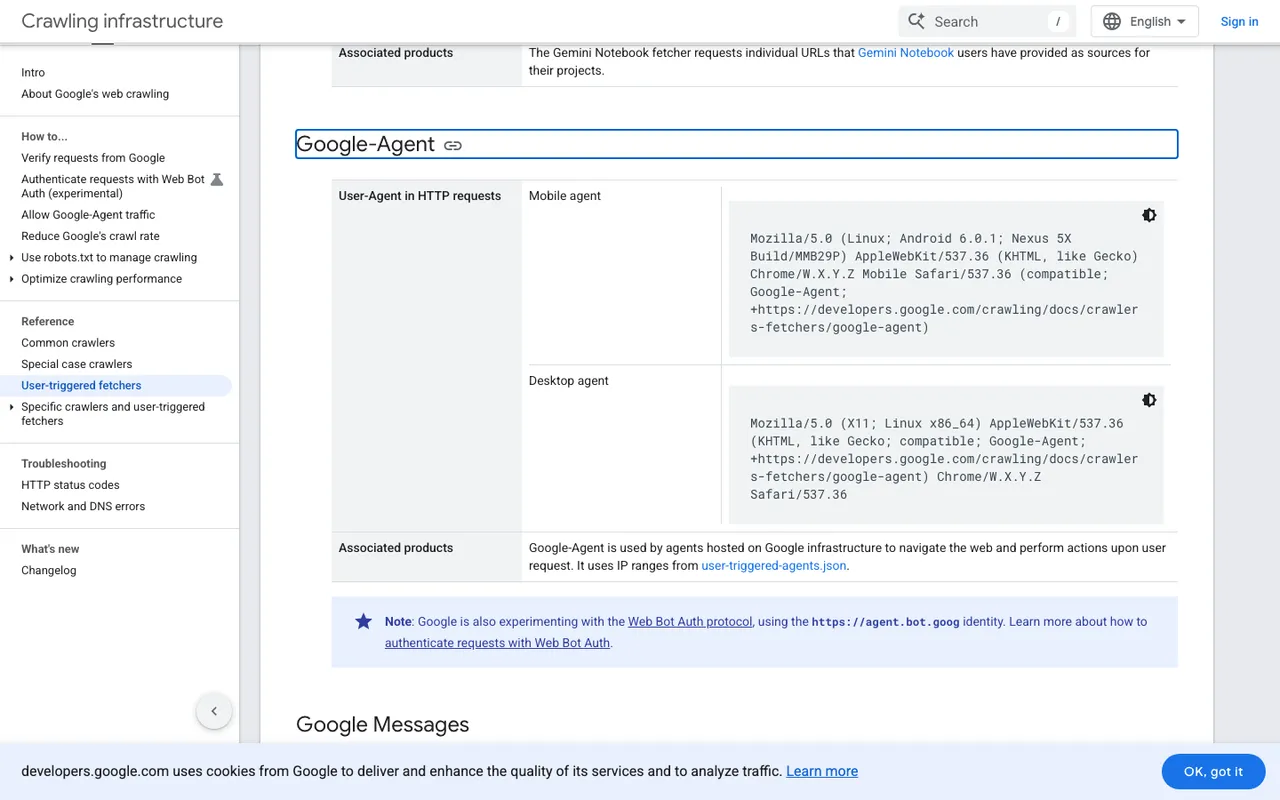
Google's user-triggered fetchers page, Google-Agent section, captured November 21, 2026.
Then the AI companies' own bots
For everything outside Google, the logs are more honest. OpenAI, Anthropic, Perplexity and Meta all document their crawlers by name. In client audits we sort what we find into three columns, the same way we'd split Googlebot desktop from Googlebot smartphone in a classic audit:
- Training: GPTBot, ClaudeBot, Meta-ExternalAgent.
- Search indexing: OAI-SearchBot, Claude-SearchBot, PerplexityBot, Meta-WebIndexer.
- Live fetches for a user: ChatGPT-User, Claude-User, Perplexity-User, Meta-ExternalFetcher.
The last column matters most commercially, because those requests happen while an assistant is answering somebody's question.
We verify IPs wherever the vendor publishes ranges. OpenAI and Perplexity both do. Skipping it is an easy mistake to make, and an expensive one, since a scraper can call itself anything.
Use the search engine tools you already have
Two free reports help, with clear limits.
Google Search Console counts AI feature appearances inside overall search traffic, under the Web search type. It tells you that AI Overviews traffic exists in the total, not which pages AI Overviews used.
Bing Webmaster Tools added an AI Performance report in public preview on February 10, 2026. It shows citation activity across Microsoft Copilot, AI-generated summaries in Bing and select partner integrations, with page-level citations and grounding queries. Bing is clear that grounding queries aren't full user prompts and that the data is aggregated rather than a complete log.
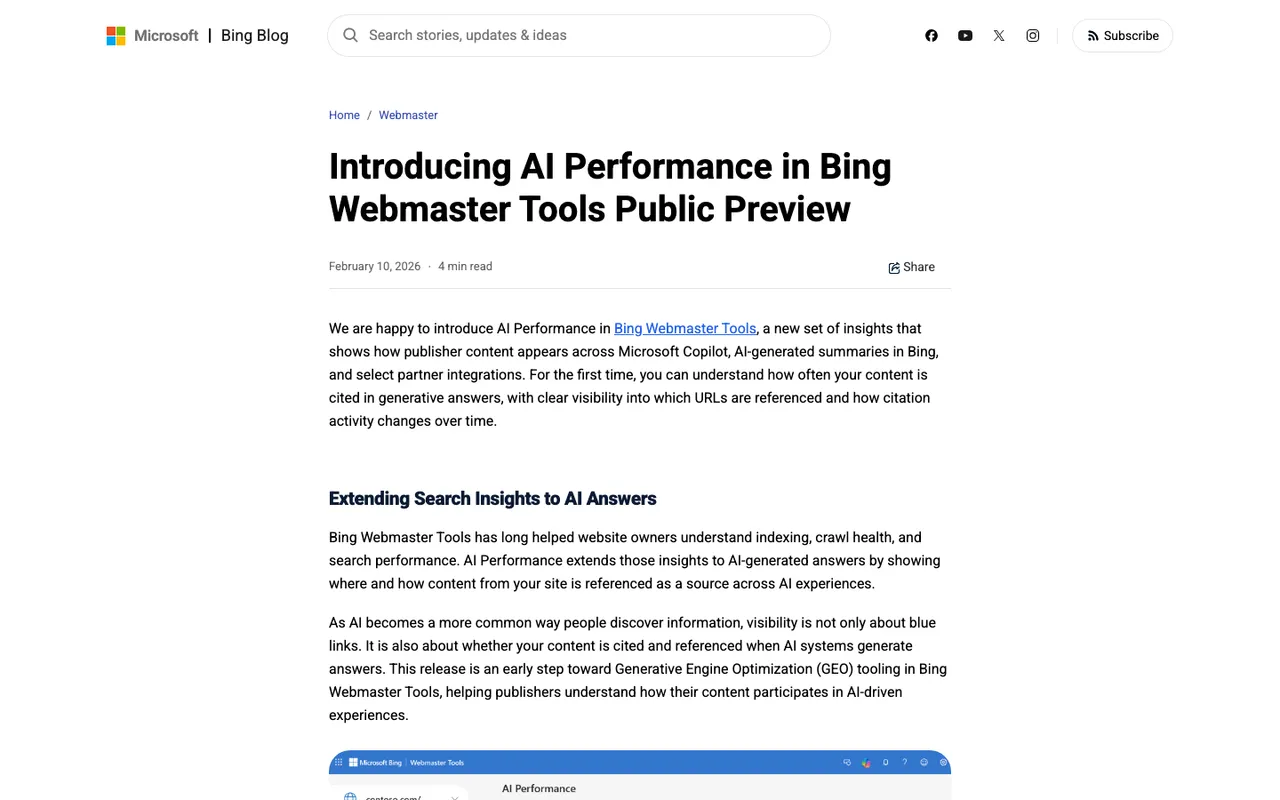
Bing Webmaster Blog, "Introducing AI Performance in Bing Webmaster Tools Public Preview", captured November 21, 2026.
Where we use a platform
Doing all of the above by hand for one site is a decent day of work. Doing it monthly for a client roster isn't realistic, so we run it on Promptwatch.
Its Agent Analytics ingests the client's CDN or server logs, checks every request against the bot operator's published IP ranges, and shows which pages each crawler fetched, with errors explained. The part that a classic log tool can't do is the next step: a crawl-to-citation path that gives each page a citation rate, so we can see whether a page AI bots read actually gets cited when we track the client's prompts. On each page in the sitemap view there is also a tab with that URL's crawler visits and citation visits, next to its Search Console and Bing Webmaster clicks and impressions.
On Promptwatch's brand plans, Search Insights puts Search Console and Bing Webmaster data, including Microsoft Copilot, on the same page as AI crawls and citations. That's the view we use when a client asks whether their SEO and their AI search work are pulling in the same direction.
Crawler logs start on Promptwatch's Professional plan at $245 a month, and you can connect your own CDN during its 7-day free trial to see what turns up. If you'd rather we run the audit, email hello@1001seomedia.com and we'll start with a week of your logs.