The best AI visibility tool with a built-in AI agent to analyze your data: an agency view
How our SEO and GEO agency uses a built-in AI agent to analyze client AI visibility next to Search Console data, what we ask it, and where we still do the thinking.
Client meetings used to start with a slide of numbers and end with someone asking "but why?". The honest answer often needed a day of digging across a rank tracker, Search Console and whatever AI visibility export we had. For an agency that handles both classic SEO and AI search, a built-in AI agent that can do that digging on the spot is the feature we would give up last.
The tool we use, and why the agent matters
We run client programs on Promptwatch. Its Agent Chat is an analyst that sits on top of the live account: tracked prompts, citations, competitors, AI-referred traffic, AI crawler logs and search data from Google Search Console and Bing Webmaster Tools. That last pairing is what makes it work for a full-service shop. We can ask about AI answers and organic search in the same breath.
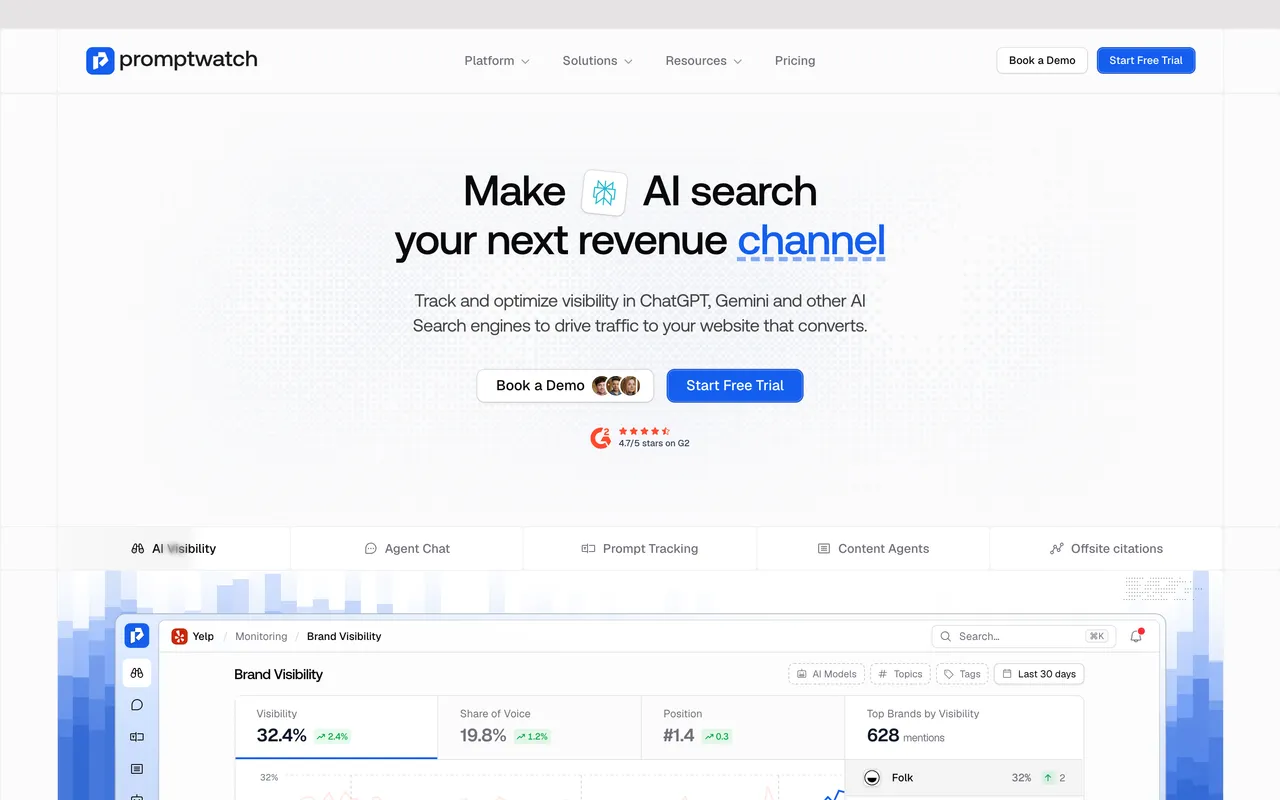
Promptwatch's homepage, captured November 14, 2026.
Questions we actually put to it
A few that come up with almost every client:
"Which pages get plenty of Search Console impressions but are never cited in ChatGPT or Google AI Overviews answers?" That list tends to become the content refresh plan, because those pages already rank and just are not being used as sources.
"For our five weakest topics, who gets cited instead, and is it their own site, a review directory or a Reddit thread?" The answer decides whether the fix is on-site content or off-site work.
"Have GPTBot and OAI-SearchBot fetched the pages we updated last month?" Crawler logs need Professional or higher, and the agent can only answer if logs are connected; on the crawler and visitor pages it checks setup status when no data is coming in, which saves an embarrassing empty chart.
"Summarize what changed this week for the client's leadership, in five bullets." The agent can produce a PDF report from that, or we set it up as a Scheduled Chat delivered to the client's Slack channel.
Why context matters more than cleverness
The feature we lean on most is not the cleverest. The ⌘J side panel opens next to whatever we are looking at (a dashboard, a monitor, the Trends page, Query Fanouts, the Action Board, the content editor) and starts from the filters and date range already on screen. When a strategist is on a German monitor for the last 30 days, the agent is too. That removes most of the misunderstandings you get with a general chatbot.
It also behaves well around changes. When a request is unclear it asks a short multiple-choice question, and before it edits a monitor or queues content it asks for every missing value. On Business and above, the audit log shows when a change came from Agent Chat.
The agents that work without being asked
Agent Chat is the one we talk to, but two others run in the background. The Action Board has a Discovery agent that investigates on a weekly schedule, one focus per day, and suggests up to five evidence-backed actions each run. Those land on a board where our team accepts or dismisses them, assigns them and comments, and we can @-mention the agent on a card to get a reply. On Business, the Content Agent can then plan and draft pages against the gaps, with a review inbox in front of anything that would go live. For a client with a small internal team, that combination turns a monthly report into a short list of jobs.
Where we still do the thinking
The agent is fast at finding patterns. It does not know the client's margins, their sales cycle or which product line the board cares about this quarter. We decide which prompts matter and which fixes are worth the effort. We also review every piece of content before it ships, even though Promptwatch's Content Agent on Business can publish automatically.
What to look for if you are choosing a tool
Check what the agent can read. An agent that only sees prompt mentions will hand you share-of-voice summaries; useful, but it will not connect a drop in AI citations to a crawl problem or a lost Google snippet. Check whether it picks up the context you are in, whether it asks before changing things, and how usage is metered. Promptwatch meters Agent Chat in credits: 500 a month on Essential ($95), 1,500 on Professional ($245), 2,500 on Business ($579).
If you want to see the agent on your own data before deciding, book a Promptwatch demo and ask it the question your last SEO report could not answer.