How merchants get their products listed in Google Universal Cart and AI Mode checkout: our SEO playbook
How our SEO and GEO team prepares ecommerce clients for Google Universal Cart and AI Mode checkout, building on Merchant Center, structured data, and Search Console.
Google launched Universal Cart in the U.S. on October 15, 2026, and it's now a standing item in our ecommerce audits. What we tell retail clients first: most of the groundwork is shopping SEO they should already be doing. Universal Cart and AI Mode checkout add a protocol layer on top, but the foundation is the same Merchant Center account and product data that feed Google Shopping.
Here's how we sequence the work.
Start where Google Shopping starts
Google's UCP documentation is explicit that it all begins with a Merchant Center account in good standing and products approved for free listings. For clients who've only run Shopping ads, that's the first audit item, because nothing else in the UCP guide applies until it's done. We'd rather find disapprovals now than during an integration sprint.
The next layer is account settings Google requires before any checkout work: return policies with cost, window, and a link to the full policy, and at least one customer support contact. On advanced accounts, returns are configured per sub-account, which is worth checking on multi-brand setups.
Product pages still matter
A lot of the conversation about AI shopping skips the website. Google doesn't. Its "AI features and your website" page says the usual SEO best practices apply to AI Overviews and AI Mode, that there are no extra requirements to appear, and that no special schema is needed. Among the practices it does list: allow crawling, keep important content in text, make structured data match what's visible on the page, and keep Merchant Center and Business Profile information up to date.
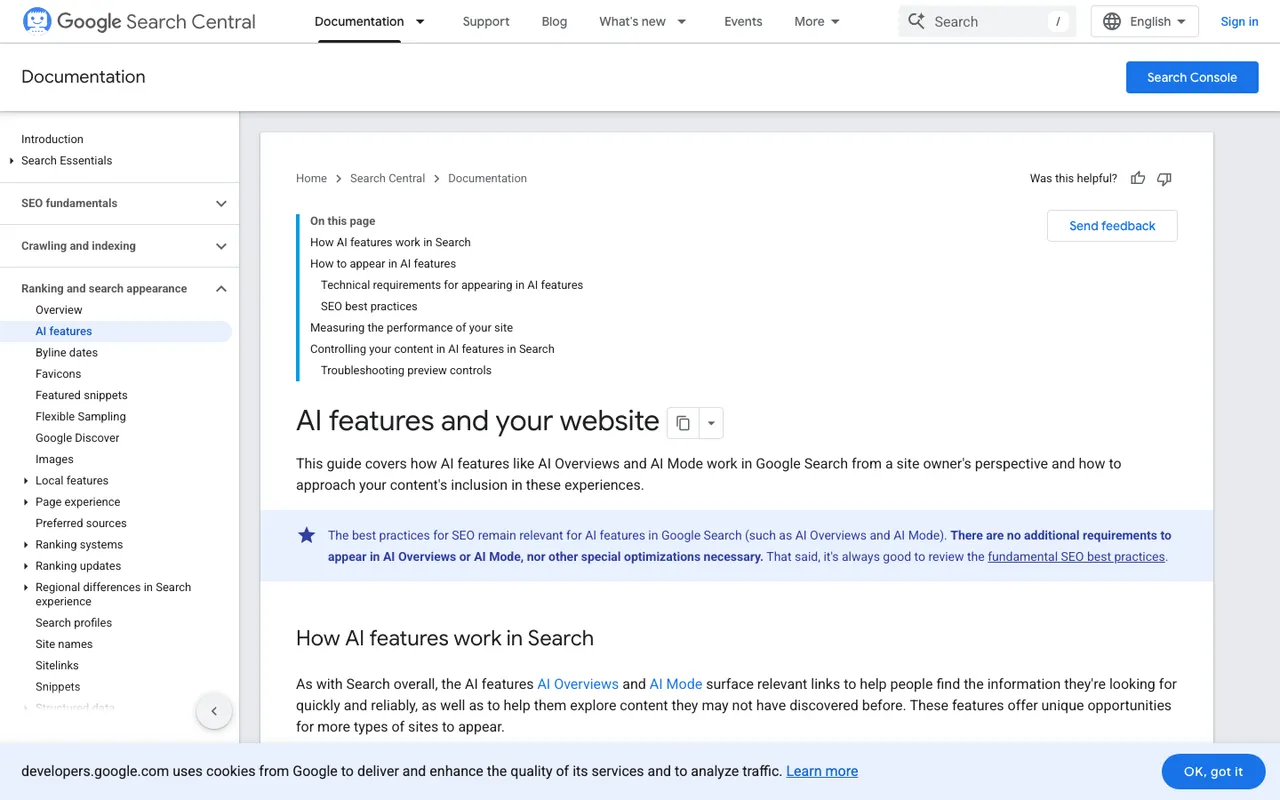
Google Search Central, "AI features and your website", captured November 21, 2026.
That last point is where SEO and feed work meet. Google's Product structured data guidance says providing both page markup and a Merchant Center feed maximizes your eligibility and helps Google verify your data. For pages where people can buy, the merchant listing markup requires name, image, and offers with a positive price and a currency code. We add the recommended properties too, especially availability, shippingDetails, and hasMerchantReturnPolicy, and we check that the marked-up price matches both the feed and the visible page.
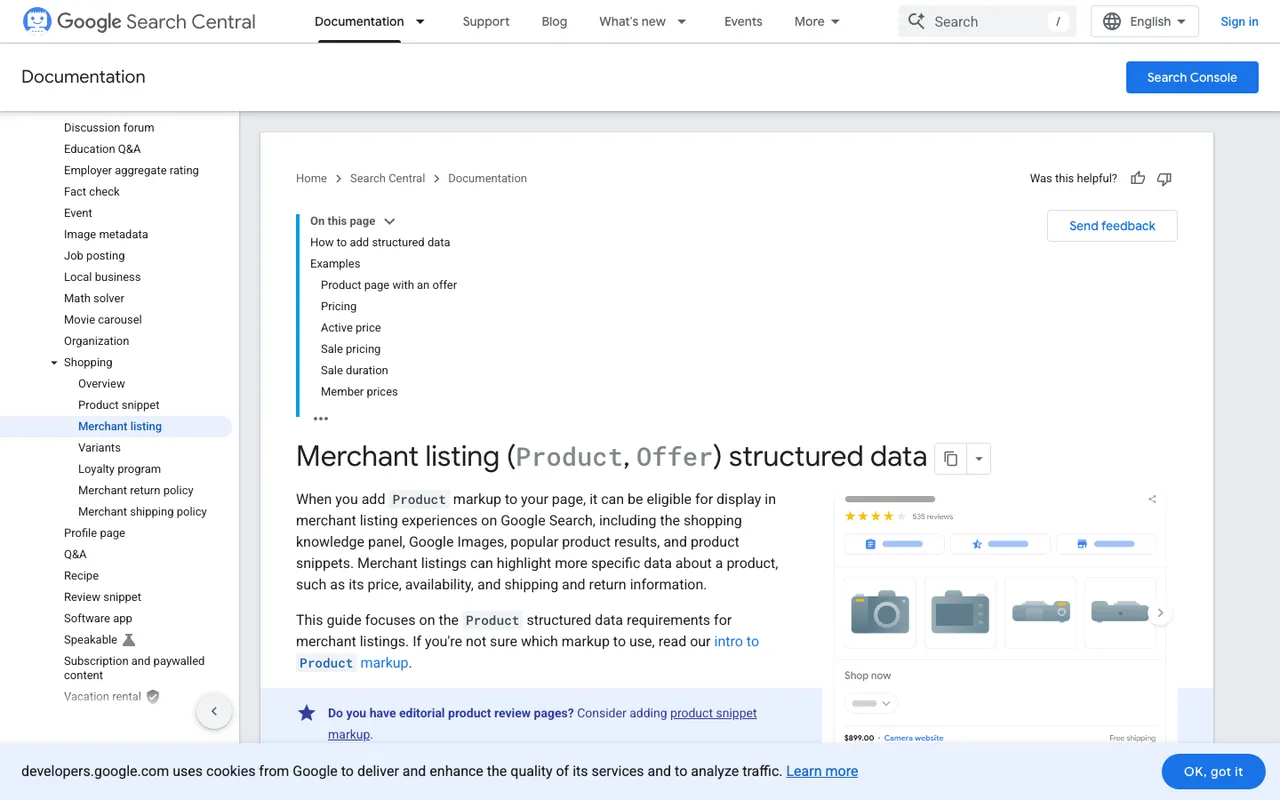
Google Search Central, "Merchant listing structured data", captured November 21, 2026.
Then the checkout layer
Universal Cart gives shoppers two ways to buy: pay with Google Pay inside the cart at participating merchants, or transfer the items to the retailer's own cart. The retailer is the seller of record either way.
Cart transfer is opt-out. Once a client declares the cart capability in its UCP profile at /.well-known/ucp, products approved for free listings are eligible unless the feed sets native_commerce(cart_eligibility) to FALSE. Native checkout is opt-in through native_commerce(checkout_eligibility), and it requires a waitlist application, checkout session endpoints and order webhooks, the UCP Program Addendum, and Google's approval before going live in AI Mode and Gemini.
Our practical advice: put these attributes in a supplemental feed. Google warns that the native_commerce group is fully overwritten on every upload, and a supplemental feed keeps that churn away from the primary product data. We also walk each client's catalog against Google's exclusions. Subscriptions, personalized goods, refurbished stock, pre-orders, and age-restricted items can't use checkout, so those SKUs need checkout eligibility left FALSE.
Measuring it like SEO
Here's where it gets awkward. Google says AI feature appearances are counted in Search Console's overall traffic under the Web search type, with no separate AI Mode report on that page. So Search Console tells you the total, not which part came from AI Mode.
To see what AI Mode says about a client's products, we track it directly. We run client programs on Promptwatch, which monitors Google AI Mode and AI Overviews through their real interfaces. We load the shopping prompts that matter ("waterproof hiking boots for wide feet", "standing desk under $500") and watch which brands and stores get named and which pages get cited. Promptwatch's Search Insights puts Search Console clicks next to that AI data per page, so the classic and AI views sit side by side. For clients with ad budgets, Ads Radar (on the Business plan) shows the sponsored ads Google places inside AI Mode answers to those prompts.
What we can't tell clients is how Google picks products for AI Mode or the cart. Google doesn't publish it, and we won't guess.
Where to begin
If you sell in the U.S., check your free listings status in Merchant Center today. Then get a baseline before anything changes: a Promptwatch demo will show what AI Mode currently says when shoppers ask for products like yours, and gives us a reference point for the work ahead.