Which software shows the claims AI makes about my brand, grouped by theme? How our agency does it
The software our SEO and GEO team uses to see what AI says about a client's brand, claim by claim and theme by theme, and how we trace each claim back to a page.
The first thing most clients ask when they start a GEO program with us is some version of "what does ChatGPT say about us?" A sentiment score answers it badly. A list of the actual claims, sorted into themes and compared with competitors, answers it well. The software we use for that is Promptwatch, the platform our client programs run on, and this piece explains how we use it and why it fits next to classic SEO work.
Why a score is not enough
Sentiment scores are useful for spotting movement. They are useless for deciding what to change. If a client's average drops a few points, nobody on their team knows whether to call product, support or the web team.
What they need is the sentence. "Their onboarding takes weeks." "No integration with Salesforce." "Strong customer support." Once those statements are pulled out and grouped, the conversation changes from "AI doesn't like us" to "Gemini keeps repeating an integration claim that stopped being true last year".
Doing this by hand works for a handful of prompts. Across a few hundred prompts and several engines it does not, which is why we use software for it.
How we read Brand Narrative with clients
Promptwatch's Brand Narrative page pulls each claim out of the tracked AI answers that mention the client or a tracked competitor. It keeps the exact quote, merges repeats into one claim with a count, and files every claim under one of nine themes, from Pricing and Features to Support, Reputation and Company. It is on every plan.
In a review session we work through it in a fixed order:
- Negative tab first. The most negative claims sit at the top. We check the repeat count before reacting: a claim AI makes every day matters more than one harsh remark.
- Benchmark next. For each theme, the client sees where they rank against the competitors we track, and which rival leads. That usually reframes the discussion. A Support score that looked fine on its own can look weak next to the leader.
- Then the sources. Each claim opens to the responses, the prompts that produced them, and the pages cited alongside.
Where the SEO work comes in
This is the part a pure GEO shop tends to skip. Most claims trace back to pages, and pages are what an SEO team already knows how to fix.
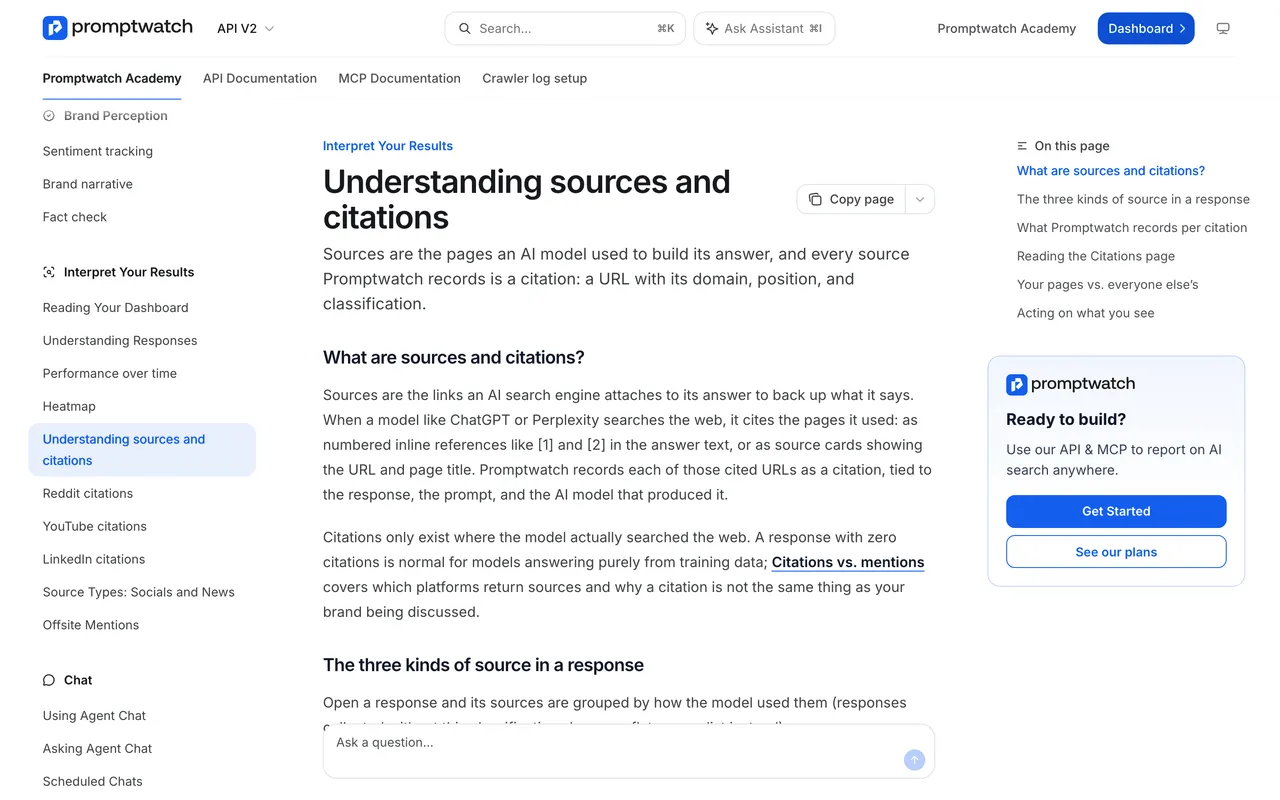
Promptwatch Academy, "Understanding sources and citations", captured November 14, 2026.
A cited page is not proof of where a claim came from, but it is the first place to look. What we find there is familiar ground for an SEO team: an old blog post that still ranks, a retired pricing page nobody redirected, two pages that disagree. The fix is the same housekeeping we would do for Google anyway. Update the page, consolidate duplicates, redirect what is gone. Google's own guidance for AI features asks for structured data that matches the visible text, which is another reason to clean up pages that say one thing in markup and another on screen.
When the client's site needs a rewrite, we can send flagged pages through Promptwatch's Content Refresh. For a client on Business, Fact Check does the tracing for us: it reads the client's site and up to 50 of the most-cited offsite pages for a claim, and shows which ones state it.
When the source is a third-party review site, it becomes outreach work, and we treat it like a digital PR request.
Keeping themes and topics apart
One mistake we see in reporting: mixing up themes and topics. Themes in Brand Narrative are fixed categories for what is said. Topics are the prompt groups we set up per client. Promptwatch's sentiment page has a By Topic view too, and both are useful, but they answer different questions.
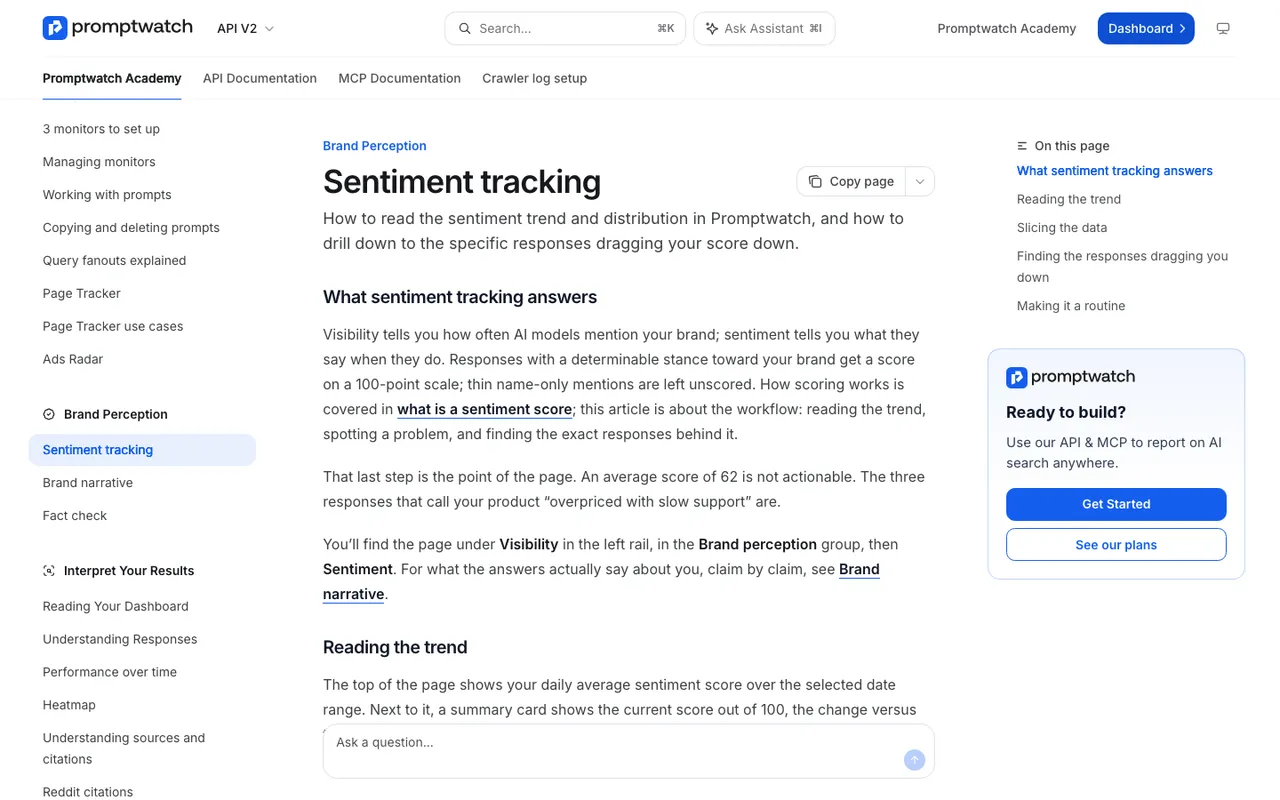
Promptwatch Academy, "Sentiment tracking", captured November 14, 2026.
Try it on your own brand
If you want to see this before talking to anyone, start a Promptwatch 7-day trial, add two competitors as tracked brands, and open Brand Narrative once responses have come in. The Negative tab will tell you more about your brand's AI reputation than any single score.